

Logo

How can we help?

Get help straight from our team...

How do I password protect my presentation?

Privacy Features

How do I password protect my presentation?

Last updated on 23 Apr, 2023

Password protecting presentations is supported for PRO accounts. If you are a PRO:

  1. Go to the presentation you want to password protect

  2. Click Edit deck on the top right

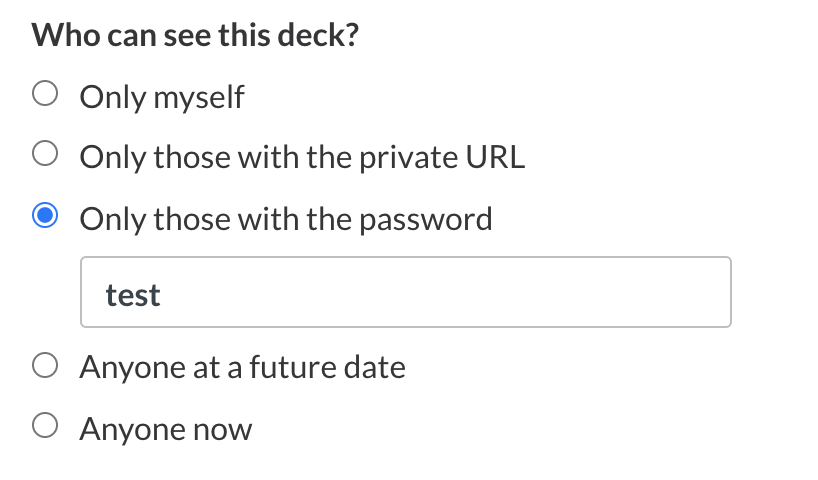
  3. Under "Who can see this deck?" choose "Only those with the password"
Image
  1. Click Save this deck

Did you find this article helpful?
Previous

How do I create a private URL for my presentation?

Next